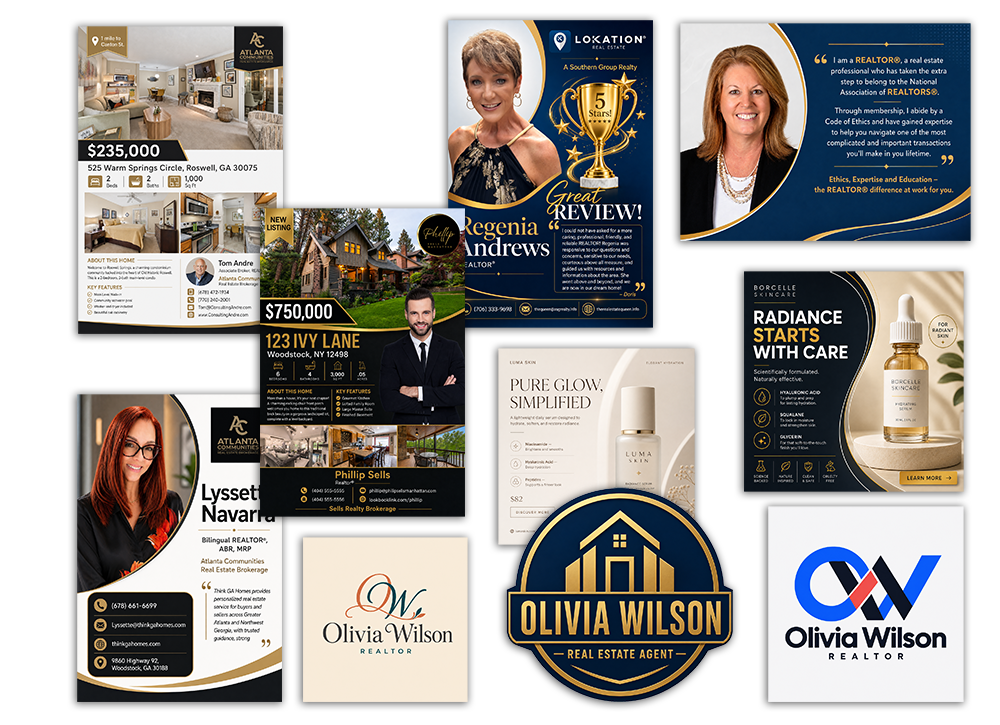
LookBookLink turns AI into finished marketing you can actually use.
AI has dramatically changed content creation. But for most busy professionals, creating polished marketing content still requires more work than it should.
Tools like Canva have made professional design accessible to almost anyone—but accessible doesn’t necessarily mean effortless. You still need to choose a template, understand layouts, select fonts and colors, position images, write the copy, resize elements, and make dozens of small design decisions.
AI image and content tools solve a different part of the problem, but introduce another challenge: prompting.
You tell the AI what you want. It gives you something close. You rewrite the prompt. It changes something you wanted to keep. You explain it again. Then again.
The technology is powerful. The process can still be frustrating.
LookBookLink Content Creator was designed to eliminate both problems.
Skip the Design Learning Curve
Canva is an excellent design tool—but it’s still a tool.
The user is responsible for operating it.
That makes sense for designers and people who enjoy creating their own marketing materials. But a real estate agent, salesperson, consultant, small-business owner, or other client-facing professional may simply want to create something great without learning how to become a designer.
LookBookLink Content Creator takes a different approach.
Instead of giving you a blank canvas and hundreds of design choices, it asks you for the information needed to create a specific type of marketing piece.
Choose what you want to create. Add your information and images. Select a style.
LookBookLink does the design work for you.
Skip the Prompt Engineering, Too
Generative AI can create remarkable content—but only if you can communicate what you want.
A typical AI workflow might look something like this:
“Create a flyer for my open house.”
Then:
“Make it look more professional.”
Then:
“Use my brand colors.”
Then:
“Don’t change the property photos.”
Then:
“The agent information is too large.”
Then:
“Go back to the previous layout, but keep the new headline.”
Suddenly, using AI doesn’t feel quite as automatic as advertised.
LookBookLink Content Creator replaces that open-ended prompting process with structured input designed specifically for the content you’re creating
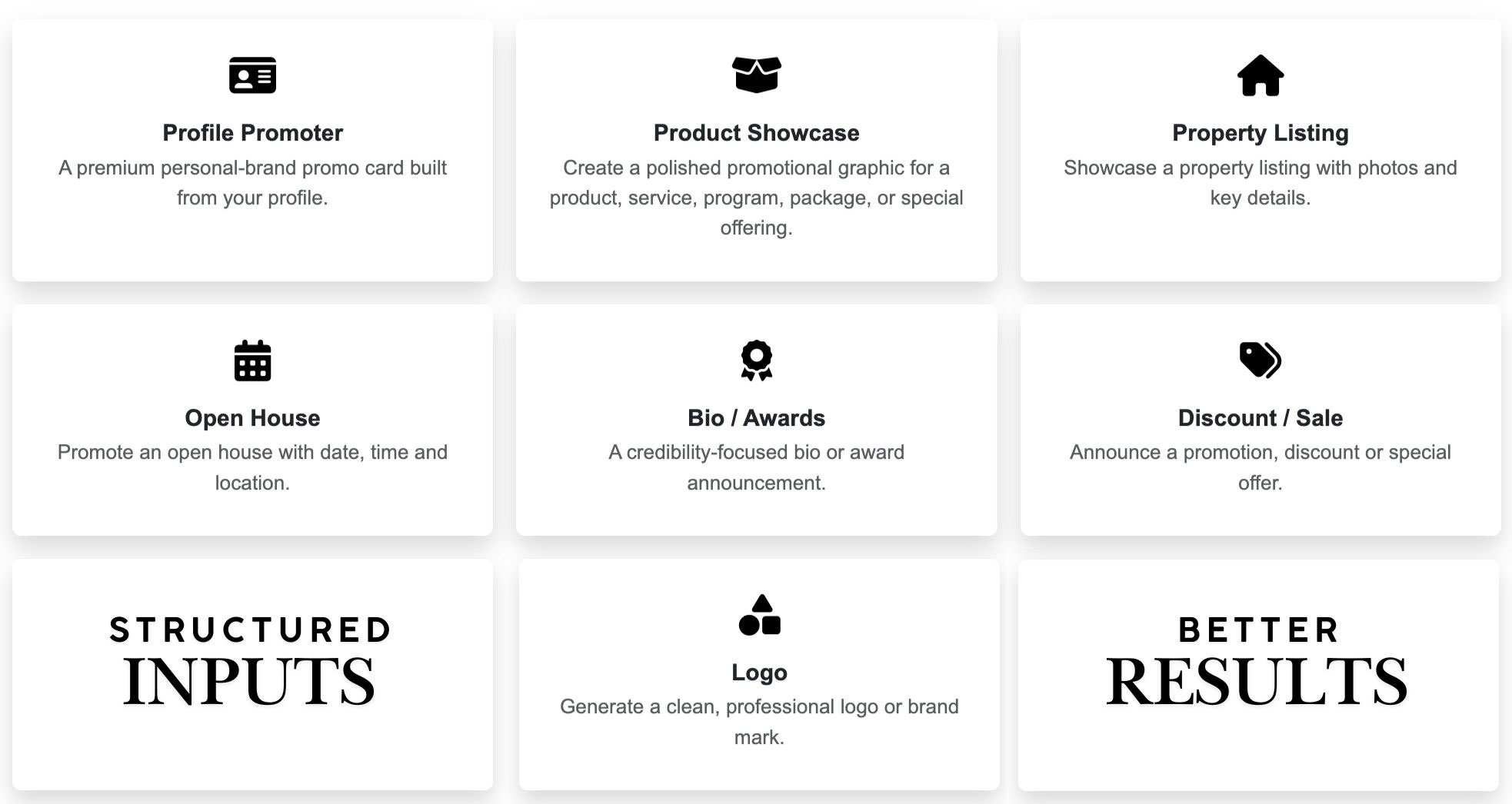
Creating a property listing? We ask for property information.
Creating an event announcement? We ask for the event details.
Creating a sale or special offer? We ask about the offer, dates, and call to action.
Creating a personal branding post? We guide you through the information needed to tell your story.
Behind the scenes, LookBookLink turns those answers into detailed instructions for AI—so you don’t have to know how to write the prompt.
From Information to Finished Marketing
That’s the fundamental difference.
Canva gives you tools to create something.
Traditional generative AI gives you a prompt box and asks you to describe what you want.
LookBookLink asks for the information and does the work.
The process is simple:
Choose → Answer → Create → Share
Select the type of content you need. Complete a short guided form. Add your photos and branding. LookBookLink Content Creator combines your information with AI to produce polished, ready-to-use marketing content.
No blank canvas.
No design software to master.
No prompt engineering.
No endless cycle of trying to explain to AI what you meant.
AI Built for People Who Have Other Work to Do
We don’t believe most businesspeople want another creative tool to learn.
They want the result the tool is supposed to produce.
That’s why LookBookLink Content Creator isn’t designed to compete with professional designers or replace powerful design platforms. It’s designed for the much larger group of professionals who simply need to create good-looking, useful marketing content quickly and get back to their actual business.
AI provides the creative power.
LookBookLink provides the structure that makes that power practical.
Skip the prompts, design tools, and trial-and-error.
LookBookLink turns AI into finished marketing you can actually use.
Questions? Contact support@lookbooklink.com